On ECGrid, the Notifications page (also called the notification feed) is an in-portal feed that surfaces system-level alerts and updates relevant to your account.
What appears there:
- Support tickets submitted to ECGrid https://lorendatacorp.ecgrid.com/dashboard
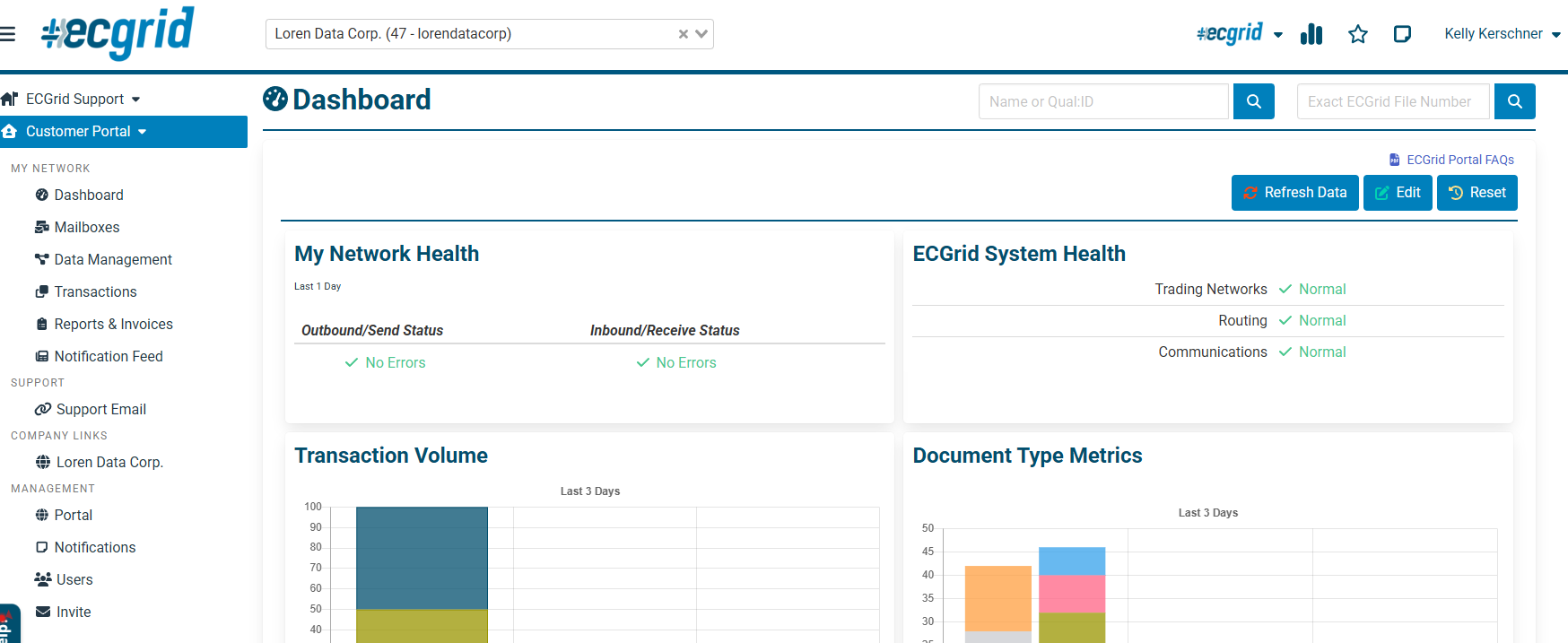
Network health updates, portal changes, and connectivity changes — things you'd otherwise get via email ECGrid Support
- System notices and announcements from Loren Data - found on the main portal page, if there is an issue.
Key details:
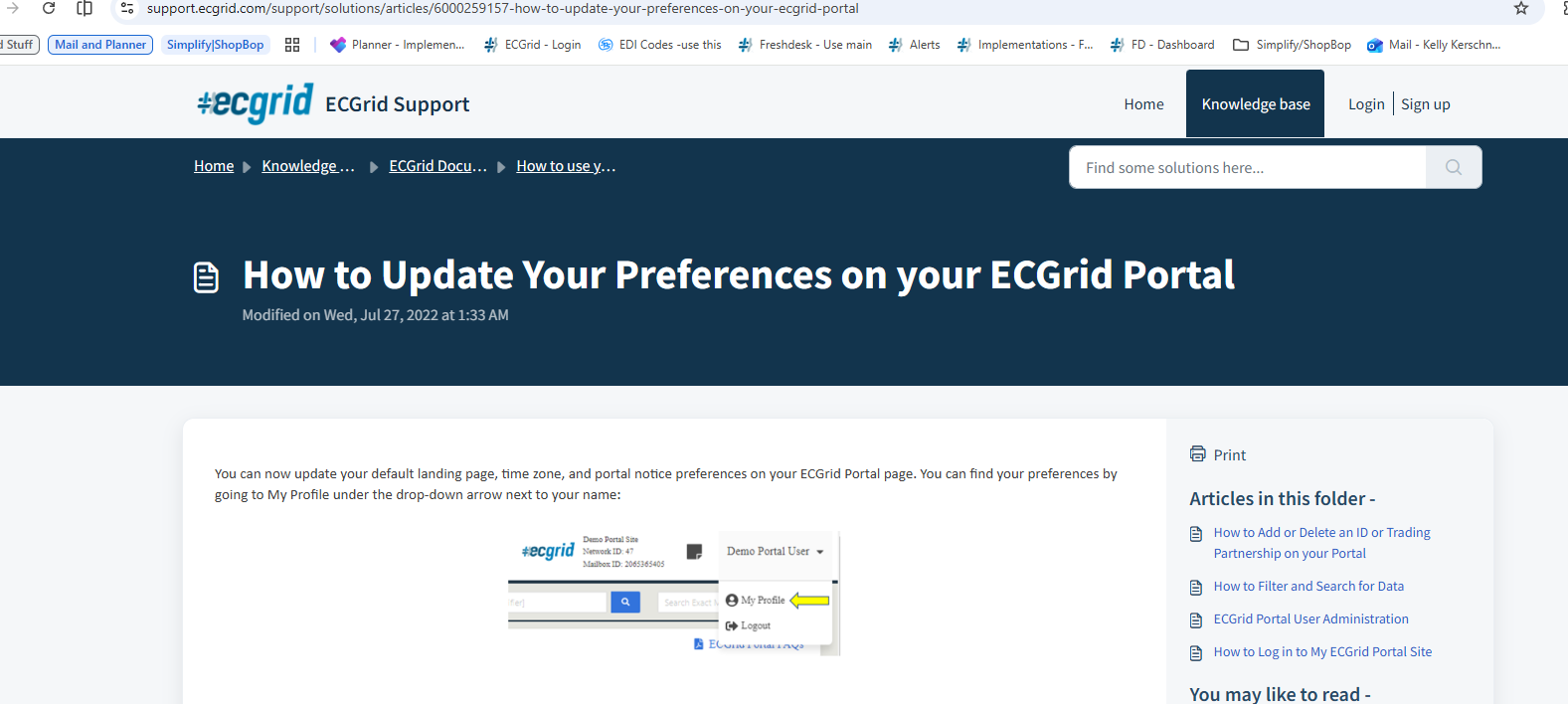
- You can opt out of receiving portal notices via email, and they'll still appear in the portal as a top banner and under the Notifications page ECGrid Support
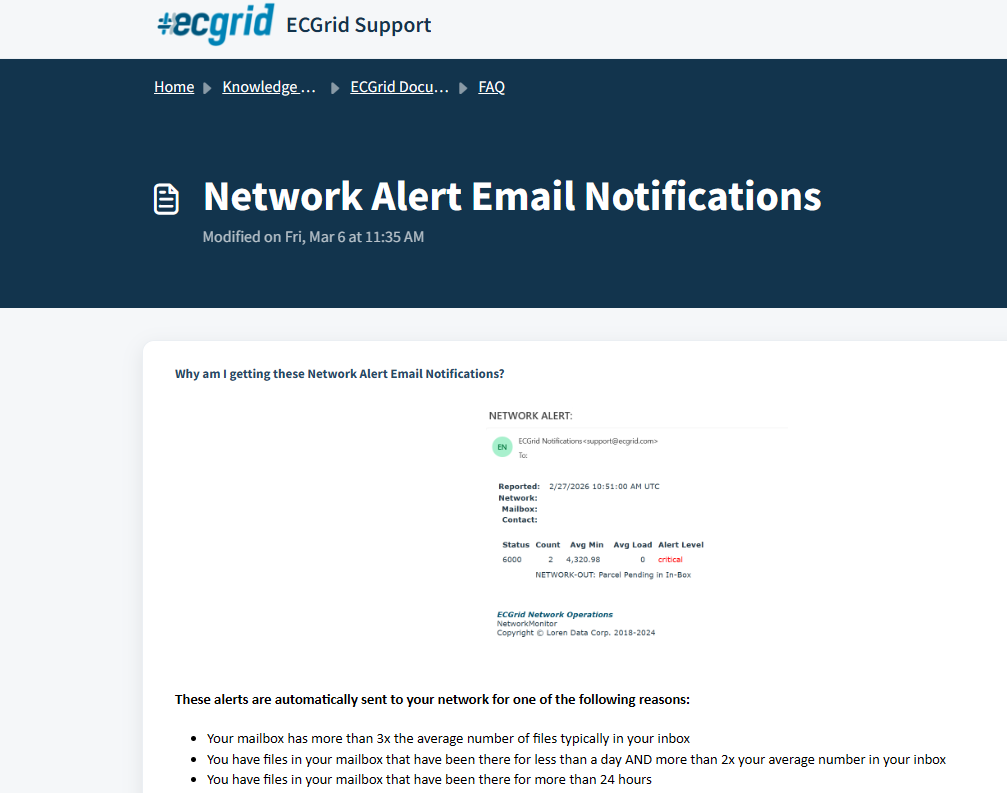
- You can find more information on the Network Alert Email Notifications page here https://support.ecgrid.com/support/solutions/articles/6000283507-network-alert-email-notifications
- You can set the Notifications page as your default landing page when logging in (under My Profile > Preferences > Login Landing Page) ECGrid Support
Was this article helpful?
That’s Great!
Thank you for your feedback
Sorry! We couldn't be helpful
Thank you for your feedback
Feedback sent
We appreciate your effort and will try to fix the article